
Quick Start
The typical workflow of a newcomer to the IREX API looks like this:
Sending a Request
To send a request to IREX servers, use the CURL utility or any of the ,many GUI applications such as e.g., Postman. Consider an example in which the API user sends a request for information about themselves: identifier, user groups they belong to, their roles within each group, and more.
Run the request ...

|
GET Request Sample |
| /api/v1/users/me | |
... using the access_token obtained when getting authenticated at IREX API in the header of the request, for example:
curl -X 'GET' \
  'https://vg.irex.ai/edge-api/api/v1/users/me' \
  -H 'accept: */*' \
  -H 'Authorization: Bearer <access_token value>'
Evaluate the Response
The request returns a CurrentUserDto JSON object ...
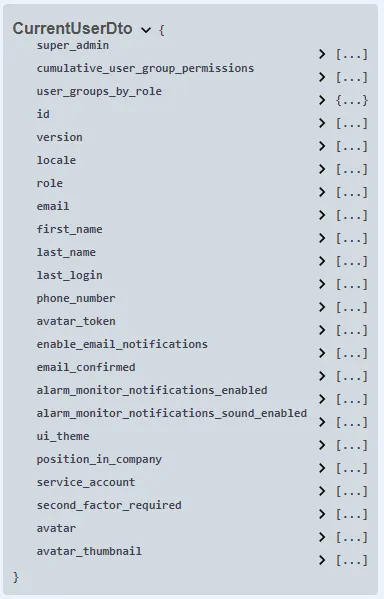
... in which, e.g., second_factor_enbled says if MFA is enabled for the request sender, ui_theme - what the user's GUI theme is, etc.