This release adds support for events from external systems, object counting in a zone in the new player, and a grace period for the Driving without insurance check.
New feature
External Events
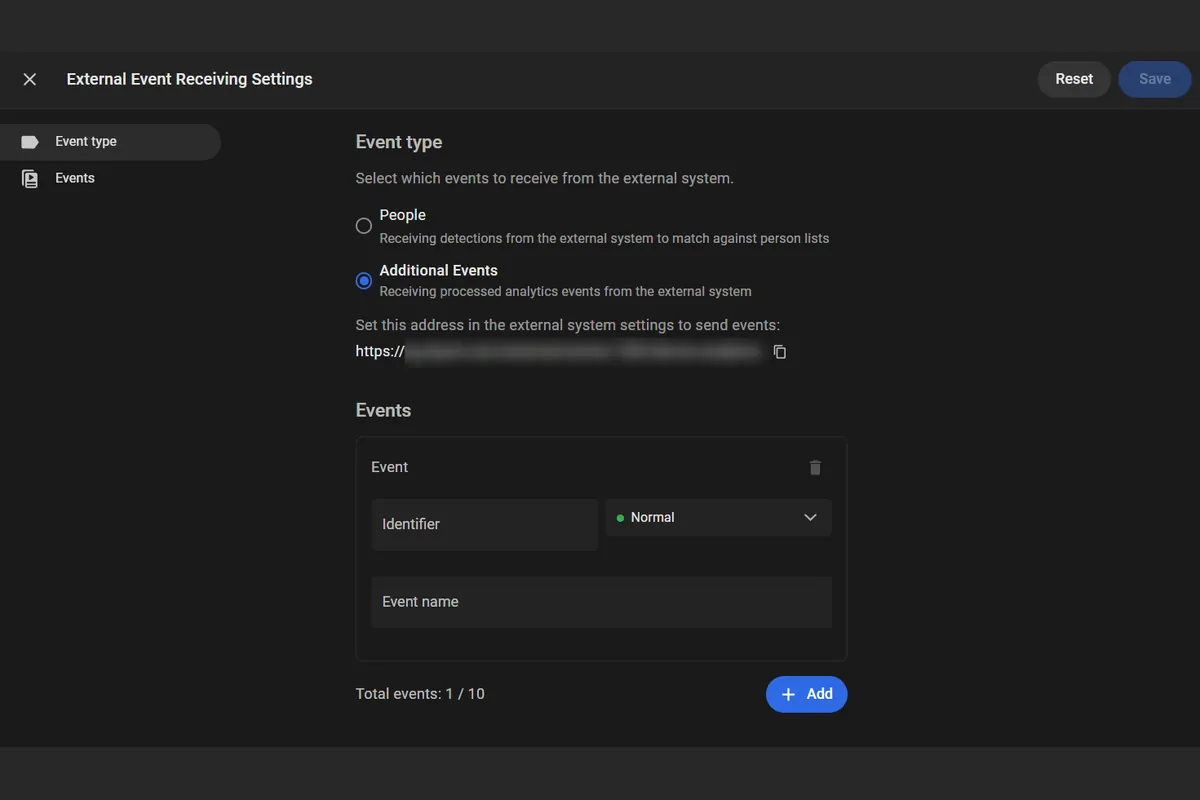
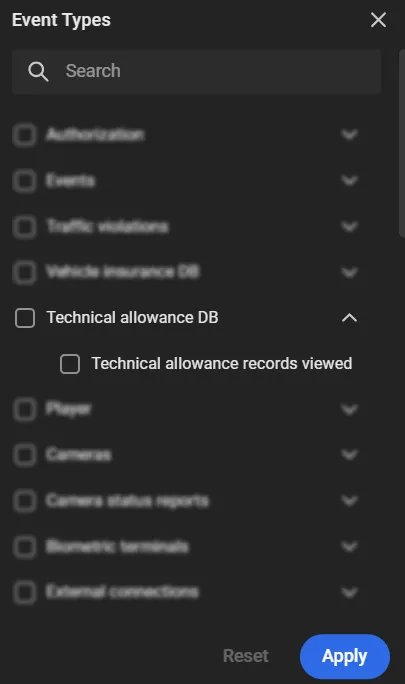
The platform can now receive events that an external system detects in a camera's video.
The external system sends the events to the address configured for the camera on the External Event Receiving Settings page. Each camera can receive either detected faces to match against person lists or processed analytics events.
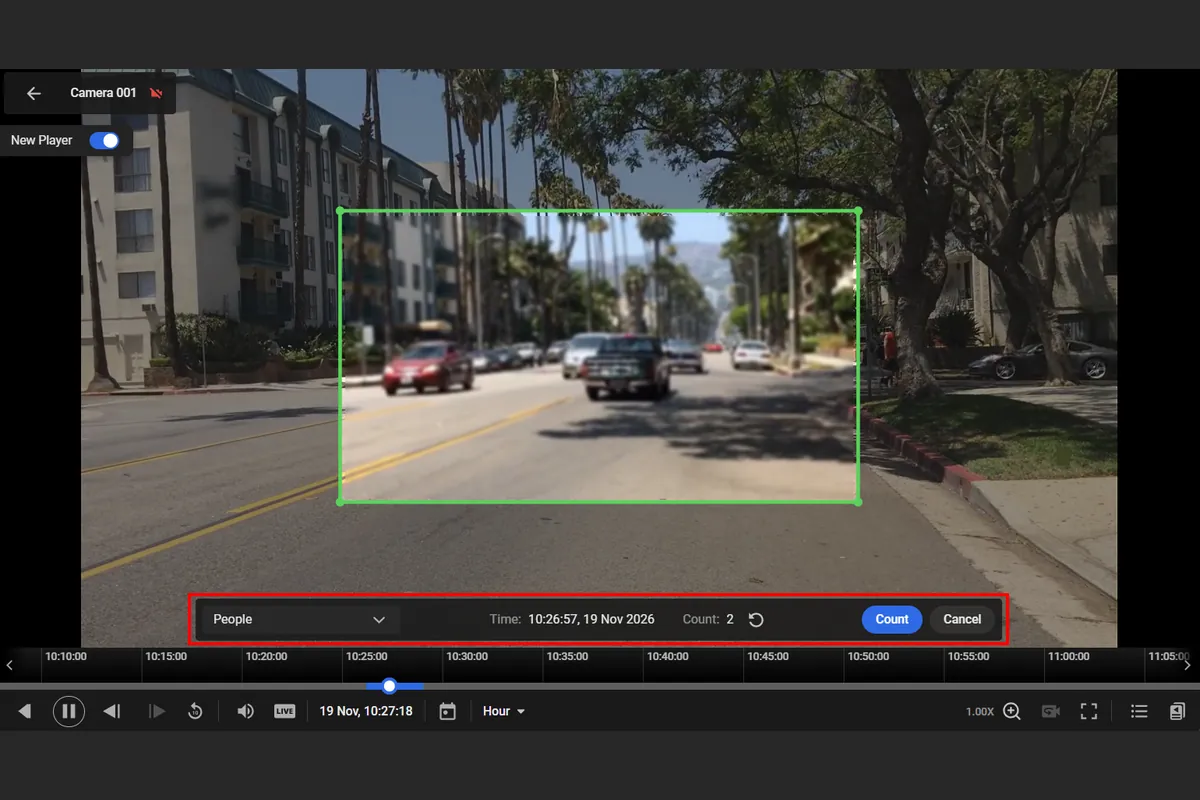
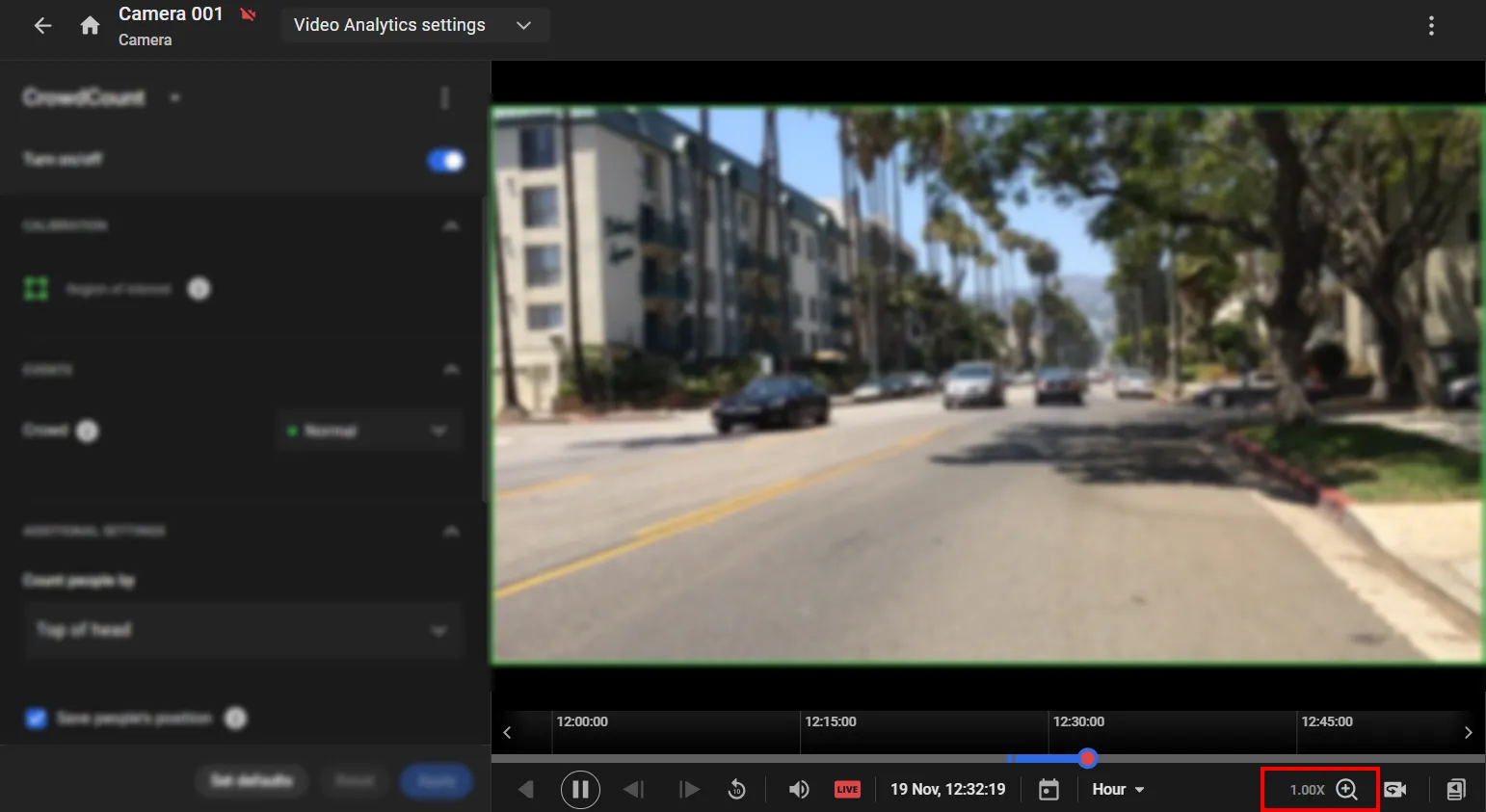
The new player can now count people and vehicles in a zone drawn on the frame.
People counts come from CrowdCount. Vehicle counts come from CarCount and are available only during archive playback. The panel shows the count and the exact time it was taken.
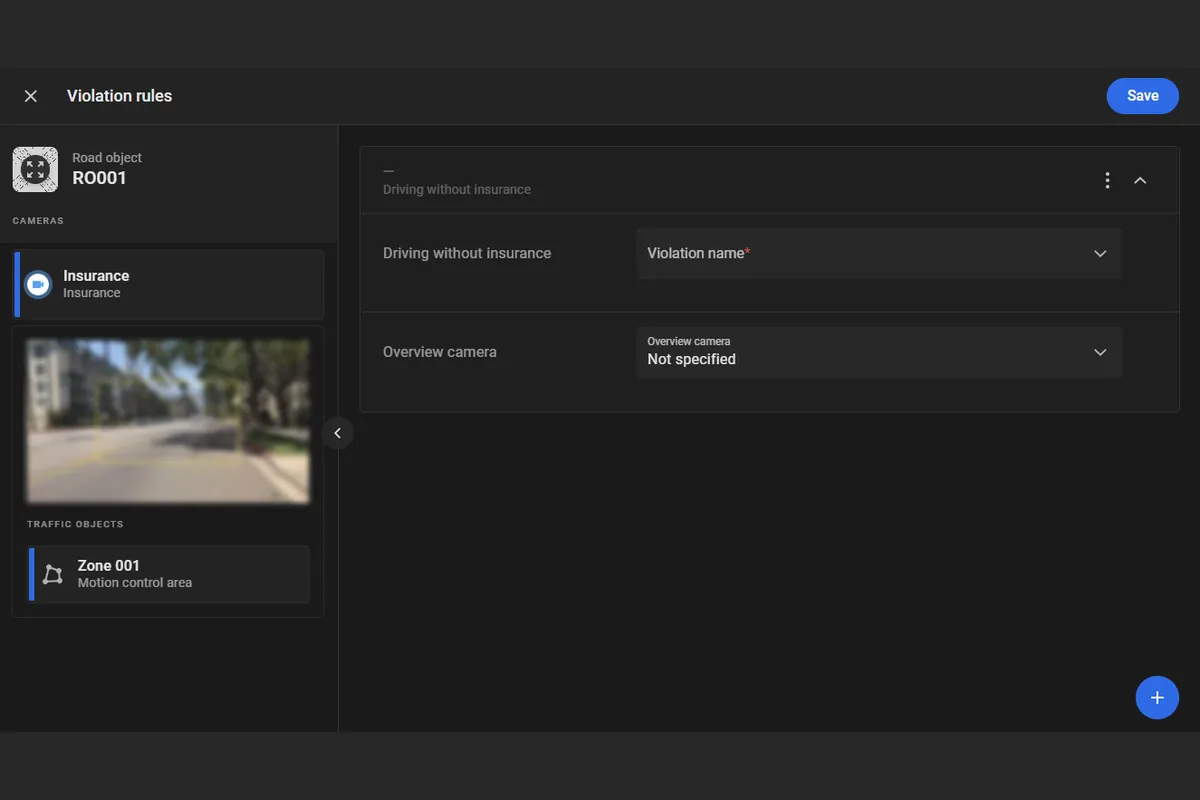
The Driving without insurance check now has a grace period in days, set in the cluster settings (0 by default).
If a vehicle leaves the Motion control area after the insurance end date plus the grace period, the platform captures the violation. The Vehicle insurance DB tab on the Settings page still shows the original Valid until date, without the grace period.
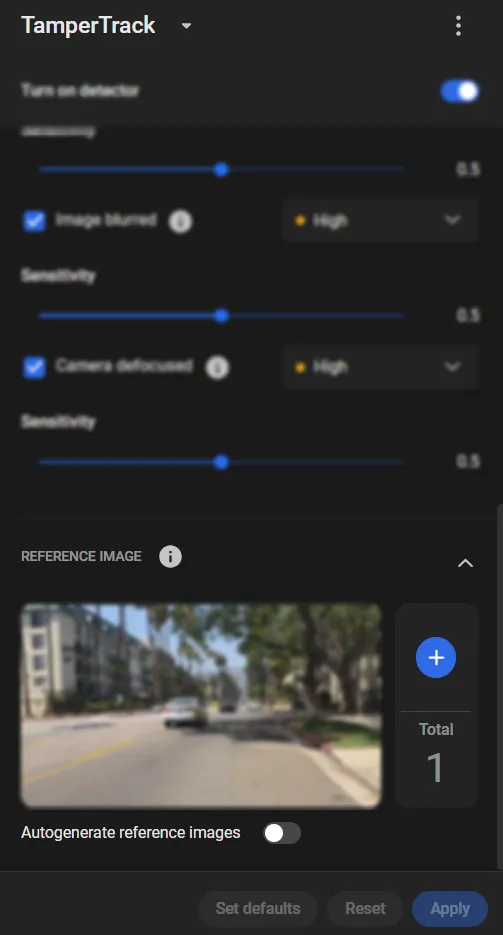
The TamperTrack module now keeps up to 8 reference frames per video stream by default.
The limit keeps outdated auto-saved frames from piling up and reduces the load on the module. A different limit can be set for a cluster if needed. On video streams with more than 8 reference frames, the update keeps the 8 most recently updated frames and deletes the rest, including frames with Don't refresh reference image automatically turned on.
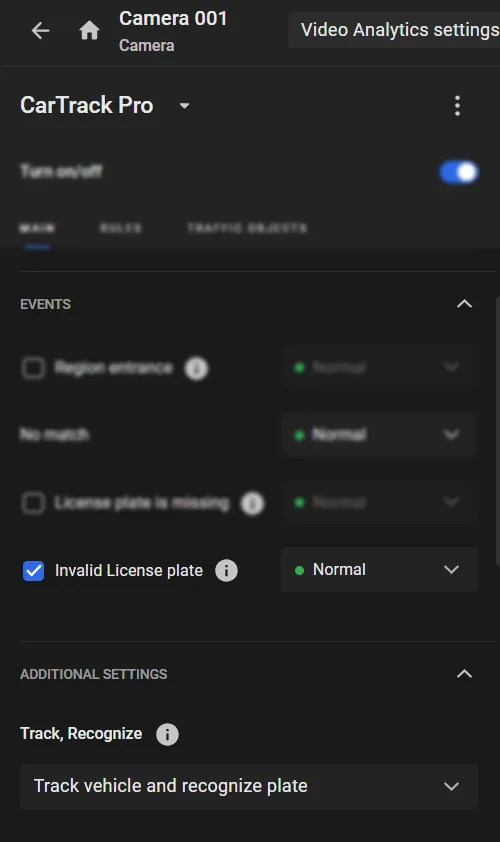
Invalid License Plate Unavailable in Recognize Plate Mode
When Track, Recognize is set to Recognize plate, the Invalid License plate option is no longer available.
The option stays available in the Track vehicle and recognize plate and Track vehicles with a recognized plate modes. For cameras in Recognize plate mode that had Invalid License plate turned on, the platform changed the mode to Track vehicle and recognize plate.
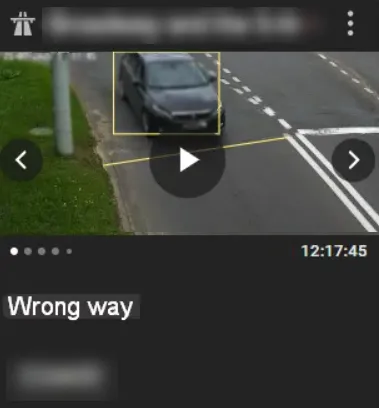
Forbidden maneuvers violation cards now include frames from before the vehicle crosses the line.
The card shows the full frame from the Entry camera taken before the vehicle crosses the line, the vehicle image cropped from that frame, and, if an Overview camera is assigned, its full frame taken at the start of the maneuver, before the vehicle crosses the entry line on the Entry camera. In some cluster configurations, exported Forbidden maneuvers violations also use frames from before the crossing instead of frames taken at the line.
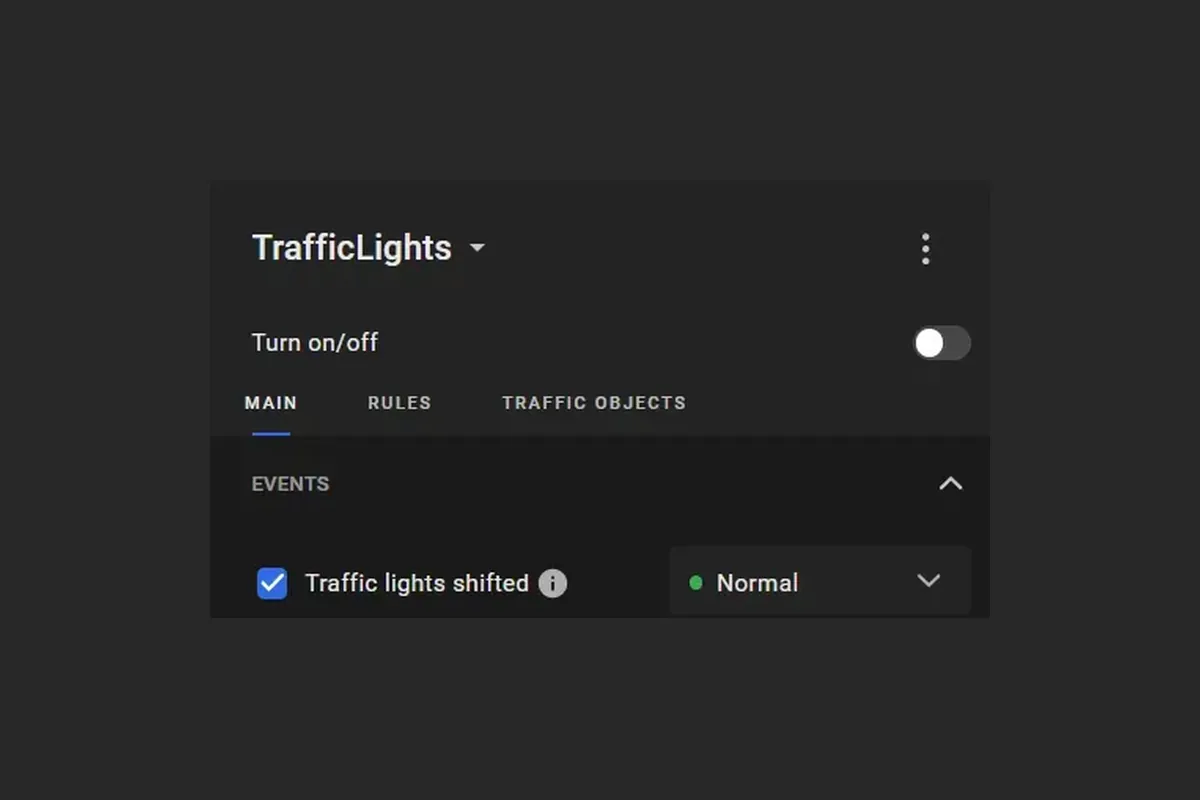
In the TrafficLights module with Traffic lights shifted turned on, when a traffic light shifts, the module now generates a Circular lights change event and, for each arrow section, an Arrow light change event, all with the value Unknown.
Until the shift ends, the module does not generate other main-signal or arrow-signal change events.