
Enable Video Analytics Modules and Detectors
-
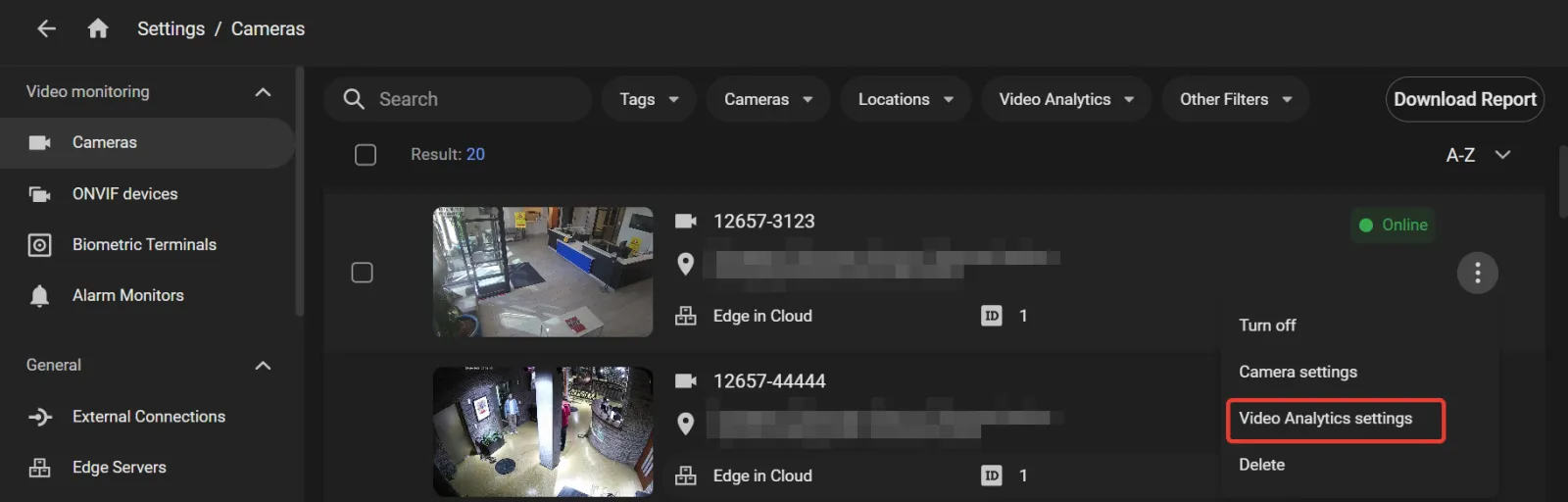
Open Settings > Cameras. In the options menu of the camera that needs a video analytics module or detector, select Video Analytics settings.
The Video Analytics settings page can also be opened:
- from the camera card options menu on the Cameras page;
- from the event card options menu;
- from the player settings pane during video playback;
- from the Camera settings page.
-
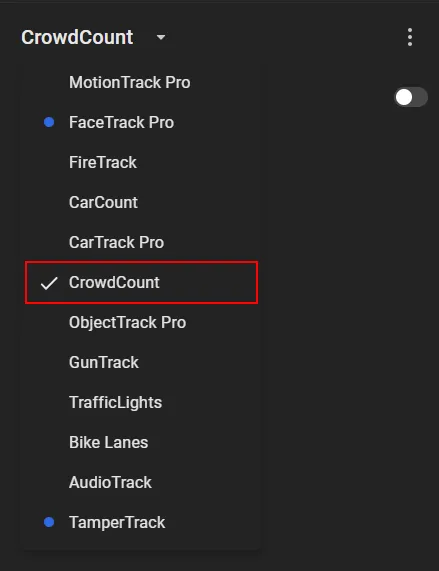
On the pane that opens on the left, select the video analytics module or detector.
-
Turn on the Turn on/off option.
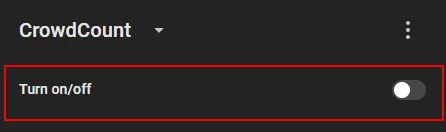
The module settings then appear on the pane.
Several modules can run on the same camera. See Module compatibility.