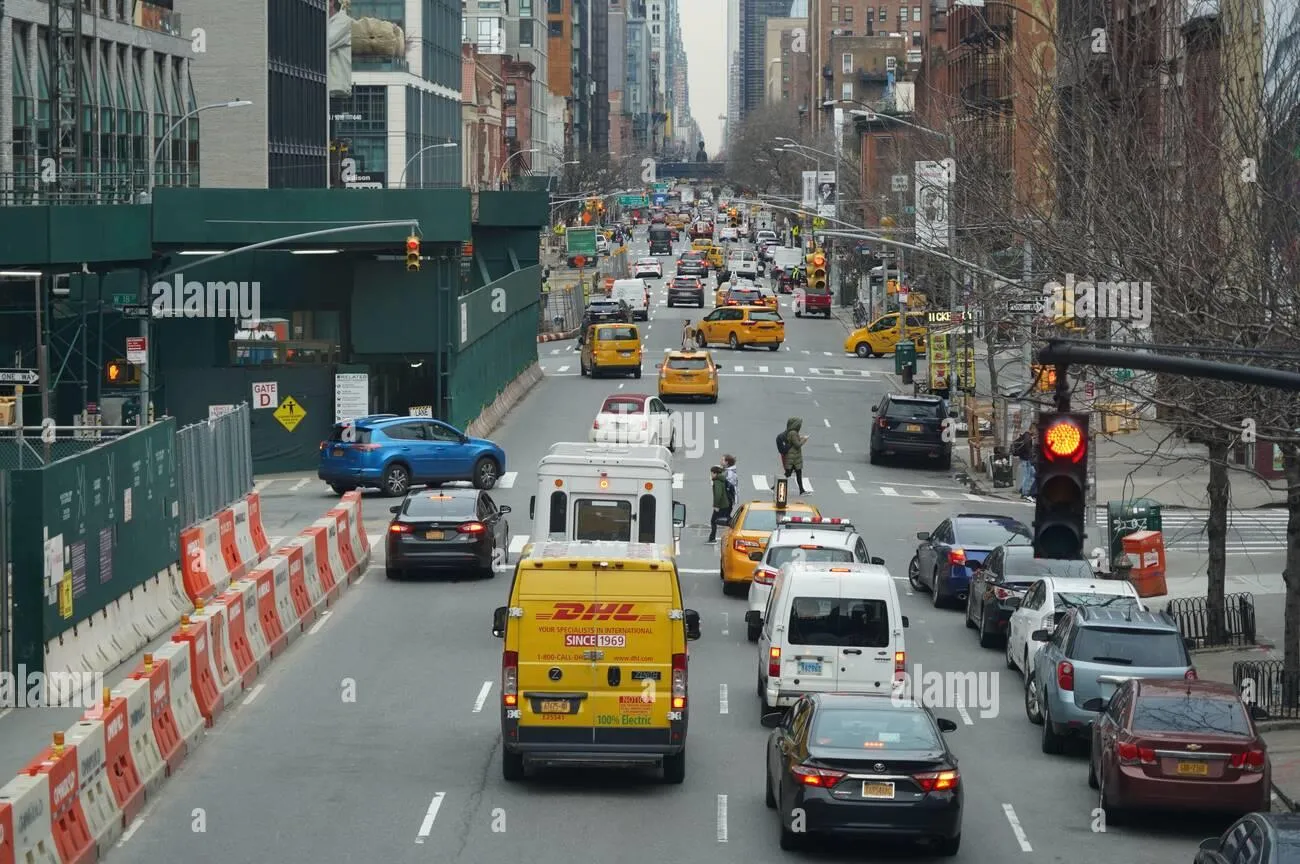
Right-of-Way Violations
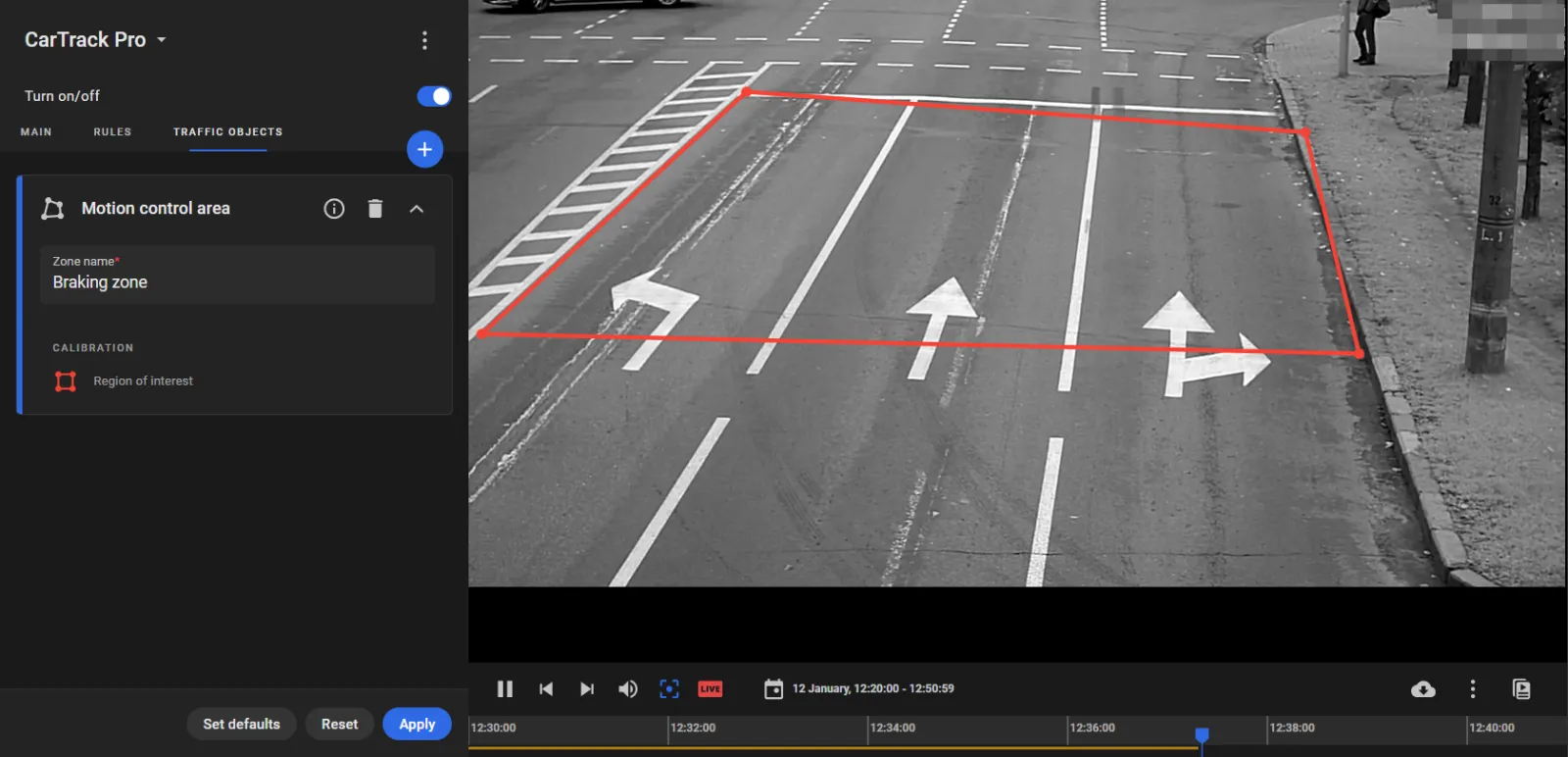
The detection of a right-of-way violation requires monitoring of vehicles in an area where they must yield to pedestrians, hereinafter referred to as the "Motion control area". To build such area:
- On the Main tab in CarTrack Pro settings, set Track, Recognize = Track vehicles with recognized plates.
- On the Traffic objects tab, click "+" to open the Motion control area card.
- Enter the area name and build the border of the area.
- Click Apply.
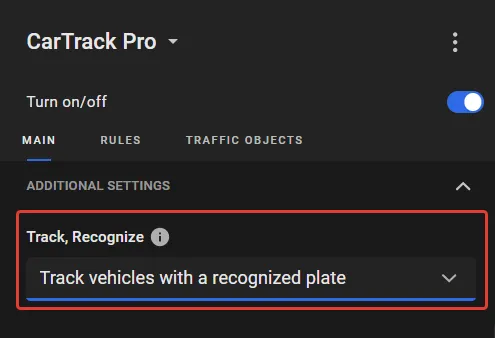
With this value, the vehicle tracking algorithm becomes more stable and reliable, thus avoiding cross-vehicle confusion. Recommended at high traffic density on cameras directed along the traffic, e.g., in configurations like this: