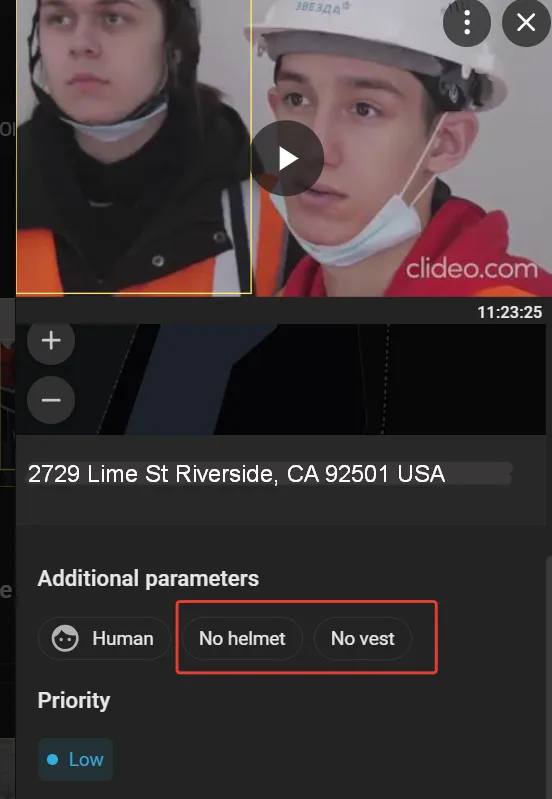
Find Other Events
This action requires a Case ID.
Additional events include all event types except those that require face or license plate recognition. Examples include crowds at railway stations, traffic jams, unattended items in shopping malls, and much more.
To work with these events, select the “Additional events” from the drop-down list on the left side of the Events screen ...
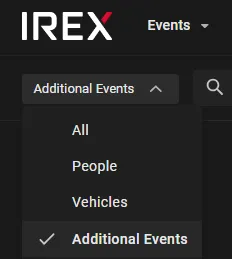
Two additional filters appear on the screen: one to find events by event type or analytics module and one to filter by object type. Other filters work the same way as before, including Search by resource groups.
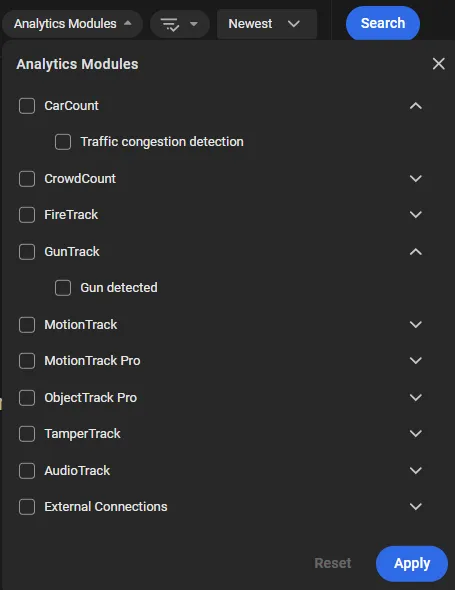
Select a Module or Event Type
To filter by event type or by the module that generated the event, select the check boxes under Video analytics. Then click Apply and Search.
Find an Object of a Type
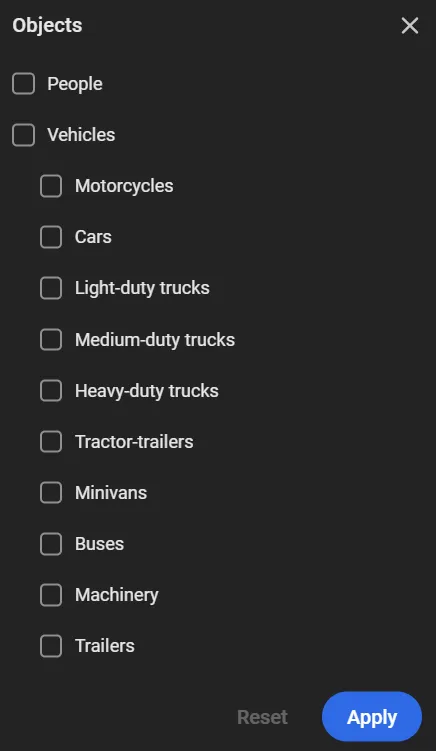
The Objects filter is used to find events recorded by the ObjectTrack Pro video analytics module that involve people and/or vehicles.
The following vehicle types are recognized:
- Motorcycles: any two-wheeled (or three-wheeled) motorized vehicle: motorcycles, tricycles, scooters, mopeds.
- Cars: sedan, hatchback, station wagon, coupe, SUV and crossover; vehicles designed to carry up to 8 people.
- Light-duty trucks: vehicles with a payload capacity of up to 3.5 tonnes.
- Medium-duty trucks: vehicles with a payload capacity of 3.5 to 12 tonnes.
- Heavy-duty trucks: vehicles with a payload capacity exceeding 12 tonnes.
- Tractor-trailers: a semi-truck with a semi-trailer, or a truck coupled with one or more trailers.
- Minivans: passenger vans and minibuses: vans for carrying passengers (up to 8 seats), including minivans and MPVs (multi-purpose vehicles).
- Buses: a vehicle for carrying more than 8 passengers. Includes city, intercity, and double-decker buses / trolleybuses.
- Machinery: wheeled and tracked tractors for agricultural or municipal use, specialized harvesting equipment, and construction and road machinery: excavators, graders, asphalt pavers, mobile cranes, loaders.
- Trailers: any type of trailer or semi-trailer that is detached from its tractor unit (for example, in a parking lot), or a passenger-car trailer.
To find events that involve people and/or vehicles:
-
Select the required objects.
-
Click Apply to save the selected values.
Clicking Apply in the filter does not send the search request. Set all required filter values, then click Search.
Find Safety Rule Violations
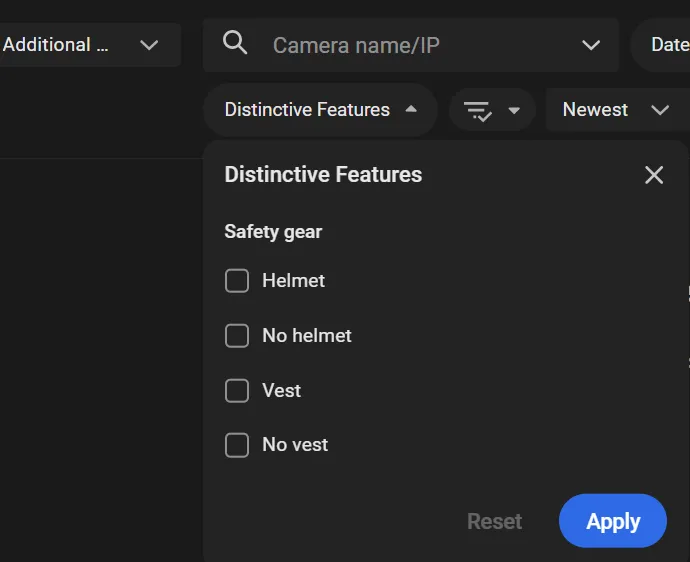
Use the Distinctive features filter as shown to find events triggered by ObjectTrack Pro configured properly of the "Region entrance", "Motion in region", "Line crossing", and "Loitering" types, in which humans were found with or without mandatory safety gear (helmets and vests).
The search will return an array of event cards:
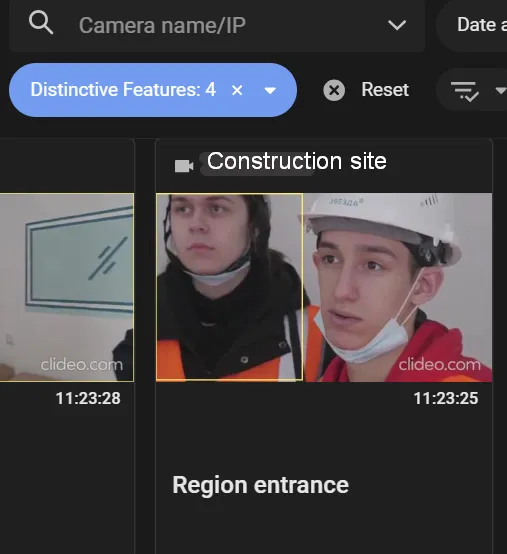
Click a card to see the "Vest/No vest" or "Helmet/No helmet" chips on the event details sidebar on the right.