High Speeding
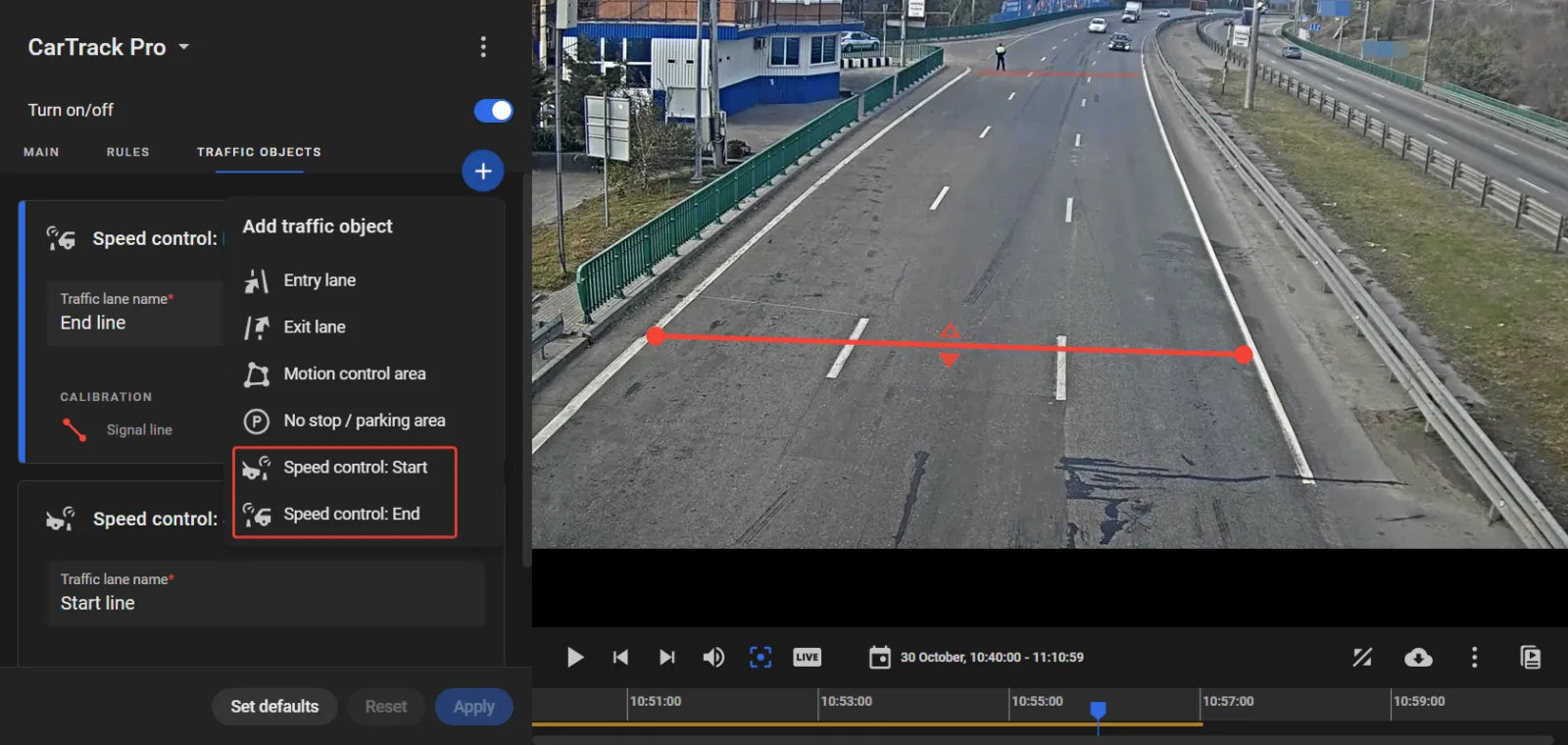
Speed control needs the "Speed control: Start" and "Speed control: End" lines built in CarTrack Pro settings on the camera meant to monitor these lines. Both lines can be combined on the same camera, or it might be two different cameras.
To do so:
- Go to the TRAFFIC OBJECTS tab on the CarTrack Pro settings pane of the camera meant to monitor the lines.
- Click the "+", then select Speed control: Start on the menu to build the speed control starting line e.g., as shown below.
- Give the starting line a clear self-explanatory name, e.g. "Start line".
- Click Apply.
- Repeat step 2, selecting Speed control: End to build the speed control ending line
- Give the ending line a clear self-explanatory name, e.g. "End line".
- Click Apply.