
Person and Vehicle Lists
Users create person and vehicle lists as previously explained. When doing so, they assign some user groups to the newly created lists, which, however, the Admin can change later on a "by user groups" basis.
To assign more person or vehicle lists to a user group:
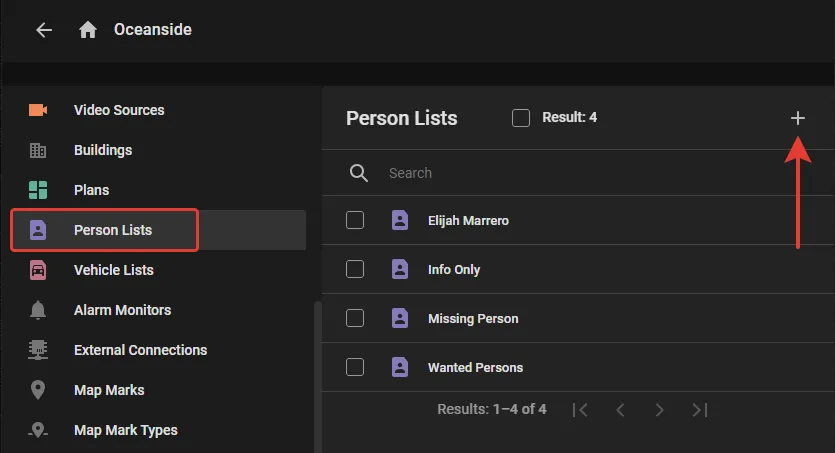
- In the Person Lists section (or Vehicle Lists) on the user group screen, click the "+" as shown to open the consolidated list of all person (or vehicle) lists not assigned to that group yet.
- Checkmark the lists to assign and click Add.
To unassign a person or vehicle list from a user group, checkmark it in the Person Lists section (or Vehicle Lists) on the user group screen and click the "Bin" button.