
Event Names
Settings > Event Names lists the names used to search for events.
The page is available to users with the System manager and Camera manager roles.
When the cluster can receive external events, the page has two tabs. System opens by default. When the cluster cannot receive external events, the tabs are hidden and only system names are shown.
- System: names of video analytics rules. A name is listed when a camera the user can access has a rule with that name.
- External: names set in Event name on External Event Receiving Settings.
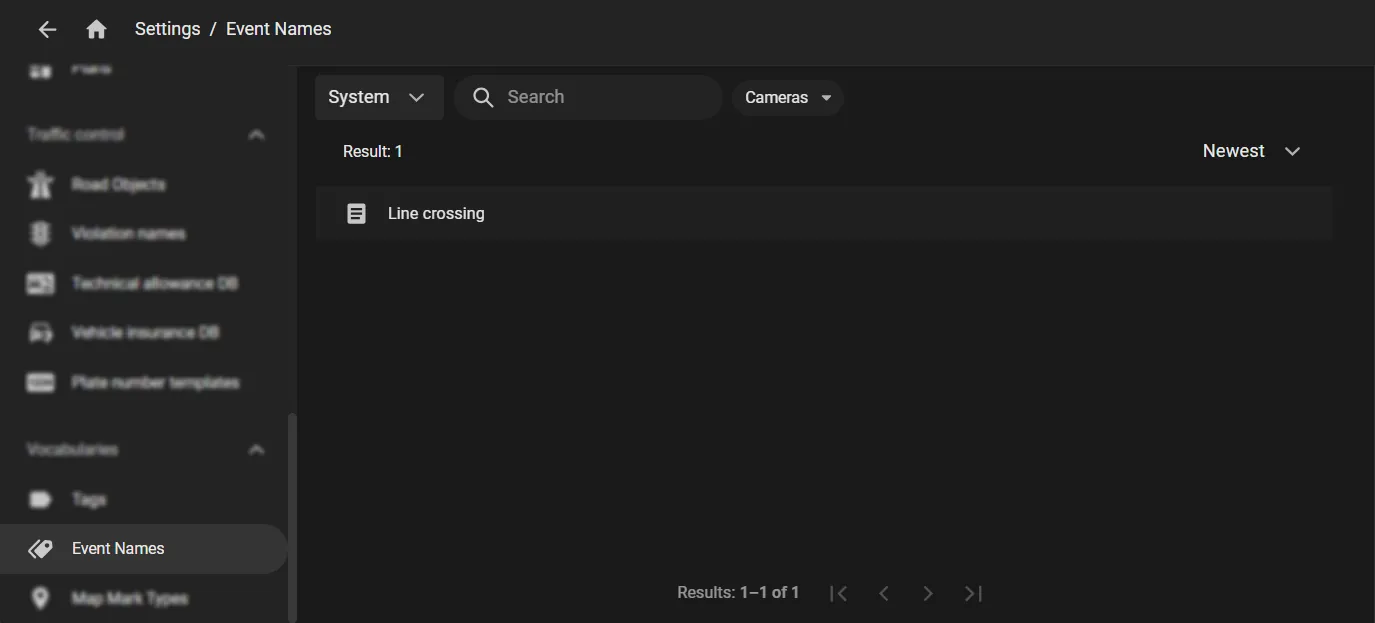
To change a name, click the name or the edit icon in that row. A name can contain up to 128 characters.
A system name can be changed when the user can edit at least one camera that uses it. The new name replaces the previous name on cameras the user can edit. Cameras the user cannot edit keep the previous name.
On External, any user who can open the page can change a name. The new name replaces the previous name on every camera where it is set.