Illegal Parking
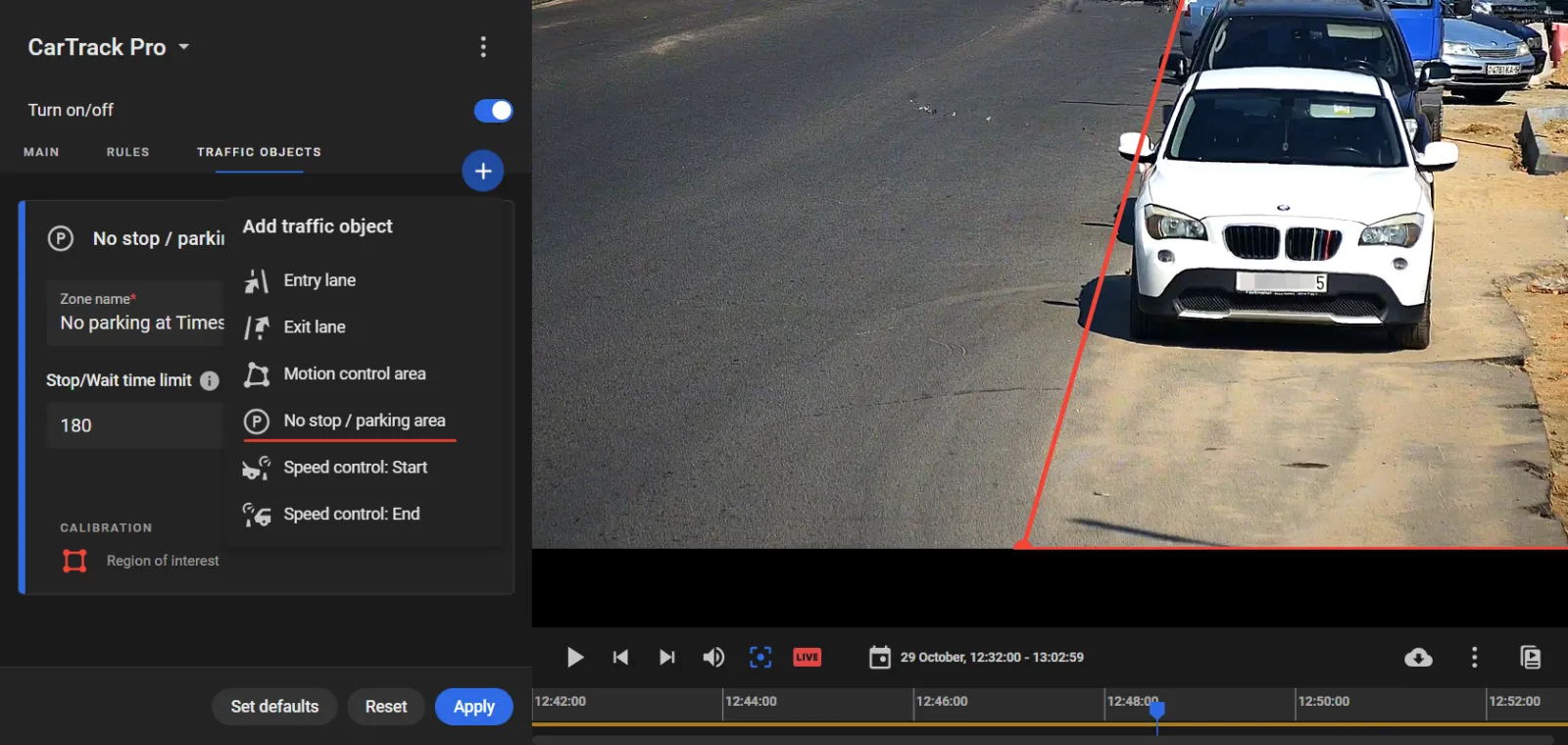
Illegal stop/ parking control needs a "No stop/ parking" area to be built in CarTrack Pro settings on the camera meant to monitor the area. To do so:
- On the Main tab, in Object focal point, select License plate center.
- Go to the TRAFFIC OBJECTS tab on the CarTrack Pro settings pane of the camera meant to monitor the area.
- Click the "+", then select No stop/ parking area on the menu to build the area, e.g., as shown below.
- Give the area a self-explanatory name, e.g., "No parking at Times square".
- Enter a permissible stop time limit in seconds, e.g., "180".
- Click Apply.